
VEIN Weekly: Inspections

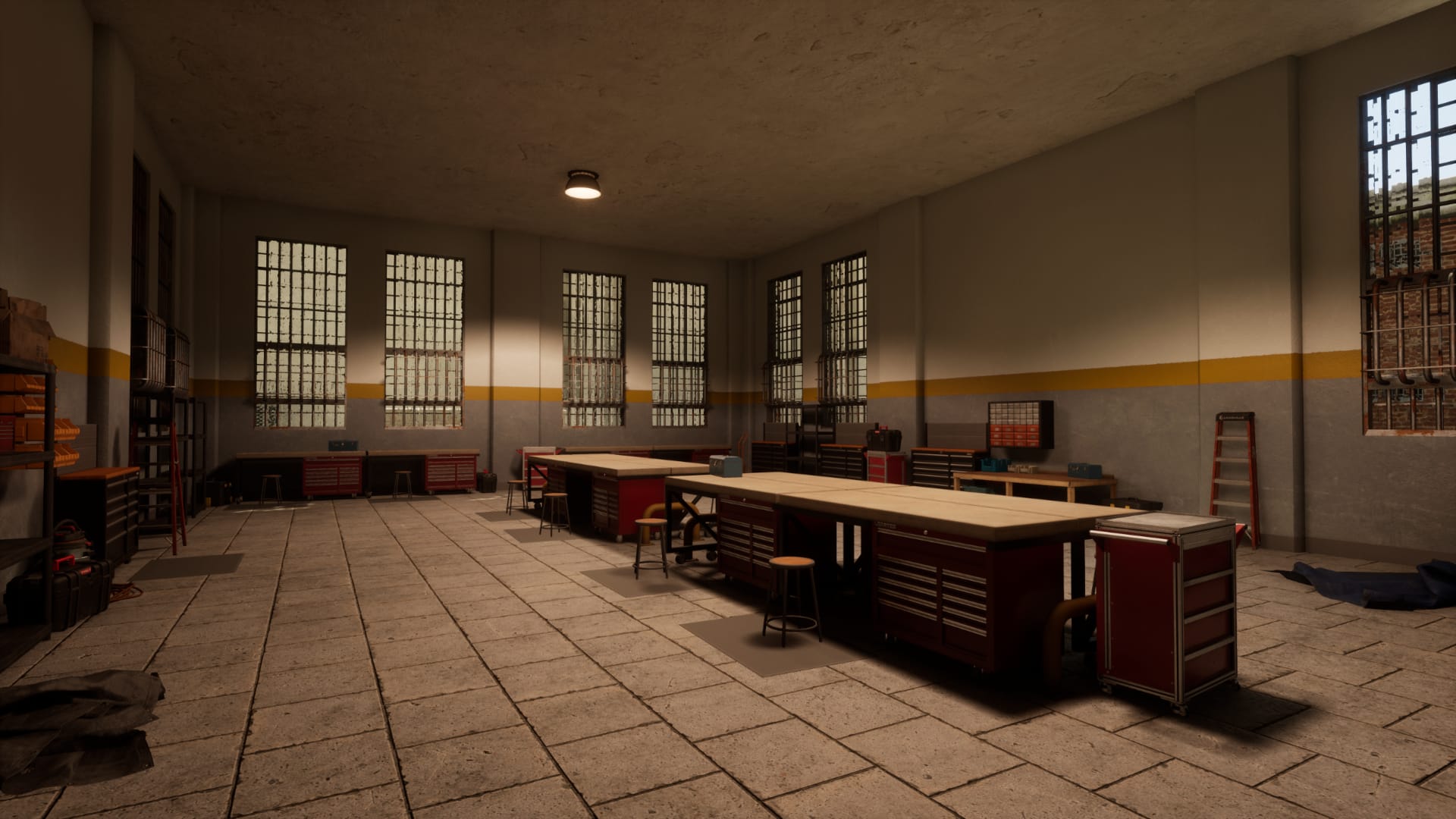
Hi everyone, and welcome to the new VEIN Weekly. This week we've mostly been working on fixes as 0.023 is right around the corner. As usual please don't consider this a change log, as these fixes and changes and updates are only on the experimental beta branch.
I've done a bit more first-person animation work. I corrected old, placeholder animations from affecting head bobbing. A lot of you pointed out that the animation for reloading the .38 Special only has one bullet inserted instead of all six. We know! Everything in this column is in-development, and we're more of the opinion that we want to keep you all up to date with exactly what we're working on, rather than holding off until stuff is completely finished. I have yet (as of this writing) to write the code for having different types of bullets physically shown in the revolver.
We've been doing some fixes regarding the new window systems. Remember, these were written for controller support, which we are now pushing to 0.024. This delay has received both positive and negative feedback, but as we wrote last week, 0.023 has been a long time coming and we need to prioritize getting that out of the door first. I fixed the tutorial overlaying over the escape menu; movement halting when opening windows; and a lot of issues with text and menu items duplicating when opening windows.
The reason for menu items duplicating is simple – we are now reusing windows instead of creating them from scratch every time you open something. When you close a window now, it doesn't get destroyed, it's simply hidden. This yields a ton of performance benefits when opening containers or workbenches, but also can lead to these sort of bugs.
We've also done some futureproofing for 0.023+. We're currently testing saves from 0.022, and so far everything looks good for the 0.023 release. You should entirely be able to use your 0.022 save in 0.023. We've intended save games to be future-compatible since version 0.001, but of course when you're that early in development sometimes formats change.
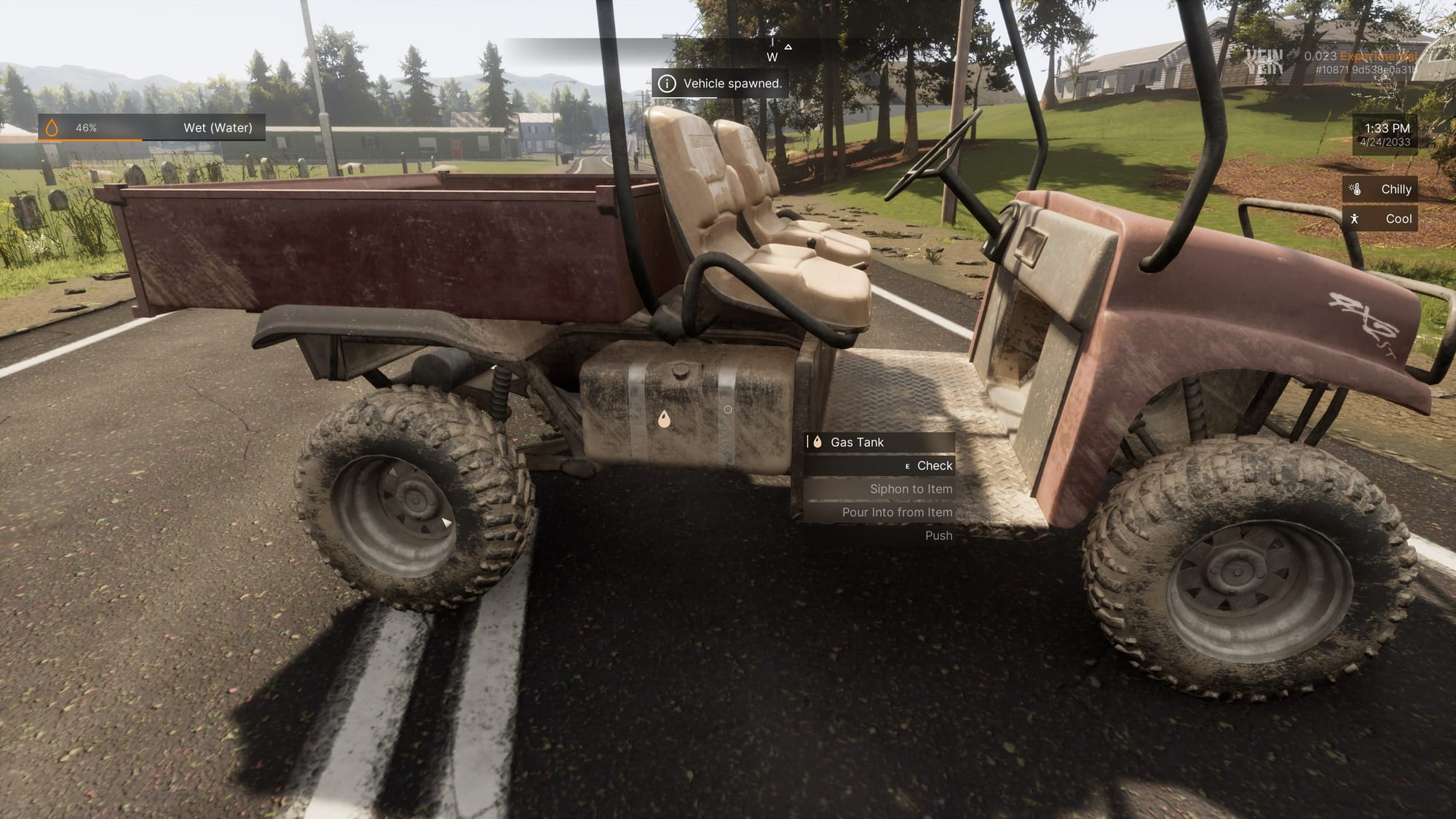
We've moved the utility vehicle gas tank to actually be on the gas tank visual. I think when I first created the vehicle I just didn't notice it.
We fixed the issue with floating shirts/weapons/etc. appearing in third person. It was because the game was creating shirts/weapons/etc. for the first-person legs (e.g. when you look at your feet) and that was messing up in third person.
We've fixed the ability to skip searching containers by quickly exiting and re-searching. We often receive the request to have a Tarkov-style searching system, where items reveal one-by-one when searching a container. I don't think that's out of the realm of possibility.
We fixed a long-standing bug where loading a save game with furniture or other stuff on vehicles caused them to bug out. There are a lot of other vehicle physics related bugs we have on our radar, but don't hesitate to report them even if you think they're common knowledge. The reason these take a long time to fix is because they are difficult to replicate for us; it's tough to find good test cases where the bug always happens. When reporting bugs (either on Discord or the in-game feedback reporter or anything else), be sure to include ways to make it happen. I'd argue 95% of fixing a bug is just triggering it, because if you can't trigger it then you don't easily know if the fix works or not.
There are a ton of miscellaneous fixes we've been working on (big thanks to Noname, our resident QA tester; with his help bugfixing goes notably faster). We fixed clothing not always showing up correctly in the character portrait menu, fixed teleporting to locations sometimes placing you in the ground, fixed "No Target" turning off after teleporting, fixed the use options for lanterns doing nothing, and a host of others. We also fixed a very long-standing bug where schematic benches would crash when used on experimental.
Our quality assurance tracker currently has 81 validated fixes for this week.
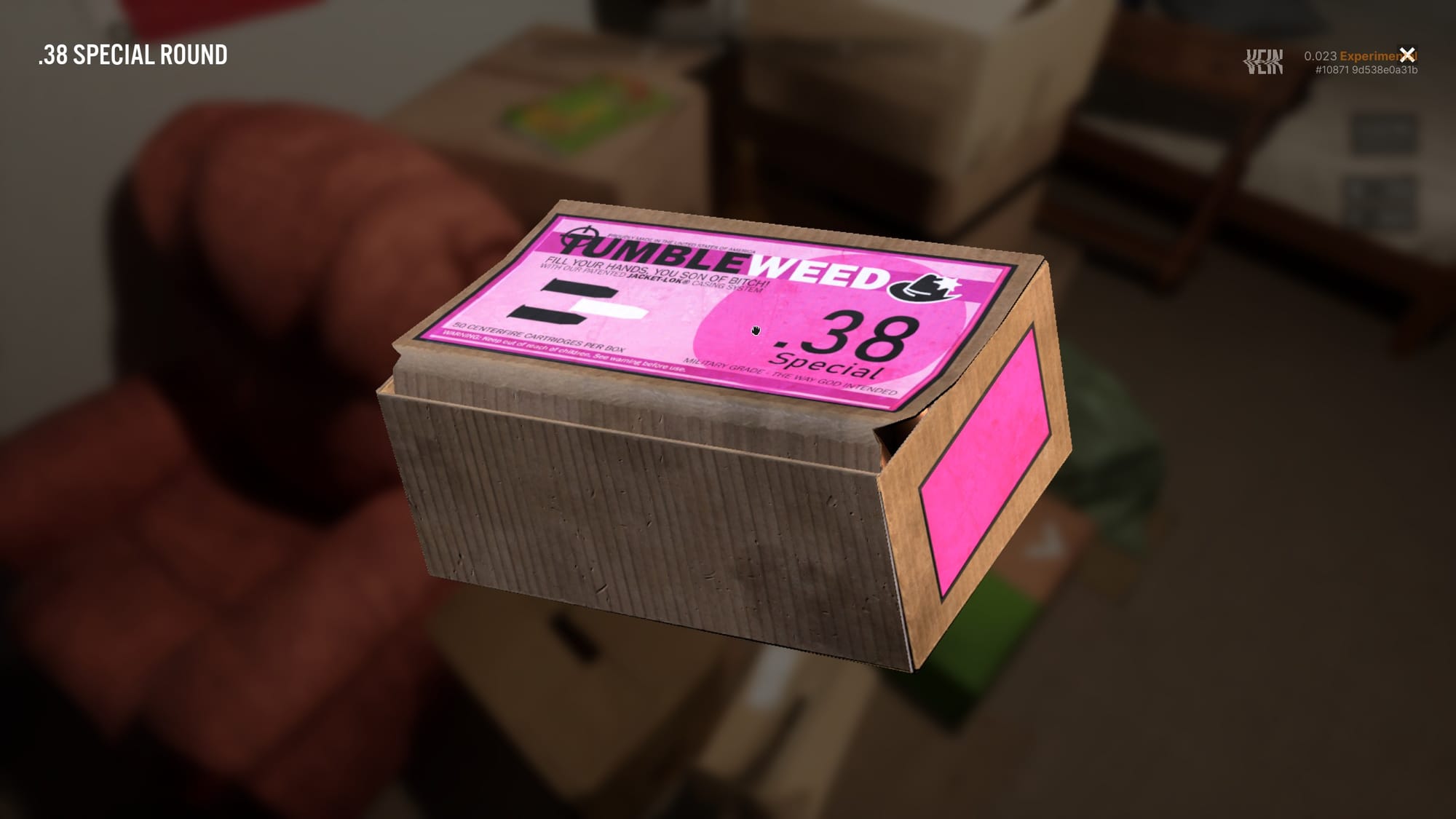
I've written an item inspection menu. Click on an item's icon in the inventory to view it. We have a lot of really high quality art (and of course some low quality art – we will replace it) in the game that isn't easily viewable because the resolution is too low to see. This took about an hour to write and is very simple, so we weren't too concerned about doing it too close to 0.023's release.
We added AMD FSR to the game. We will probably add Nvidia DLSS if there's interest. We keep it defaulted to off as we feel it lowers the graphical quality of the game, but it's there if you want it.
We added some new music themed around the western wooded area that's currently in development. Thanks as always Remancer!
Azi has been doing map, world, and design fixes for 0.023. Mostly that's stuff like trees in the wrong area, stuff sticking out of walls, or crafting recipes giving the wrong results. The leather and drying rack systems have been clarified here and there to better communicate how they work.
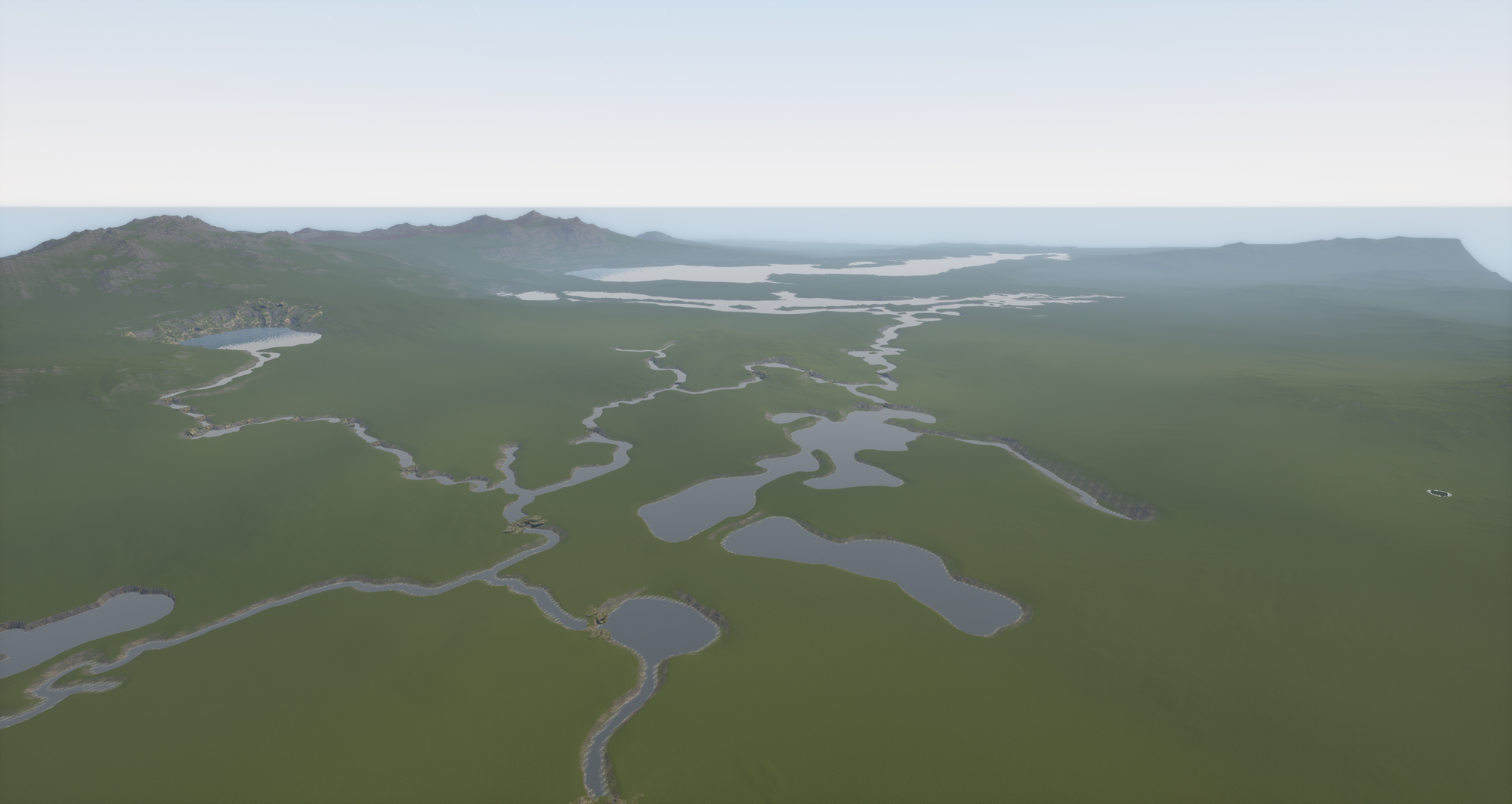
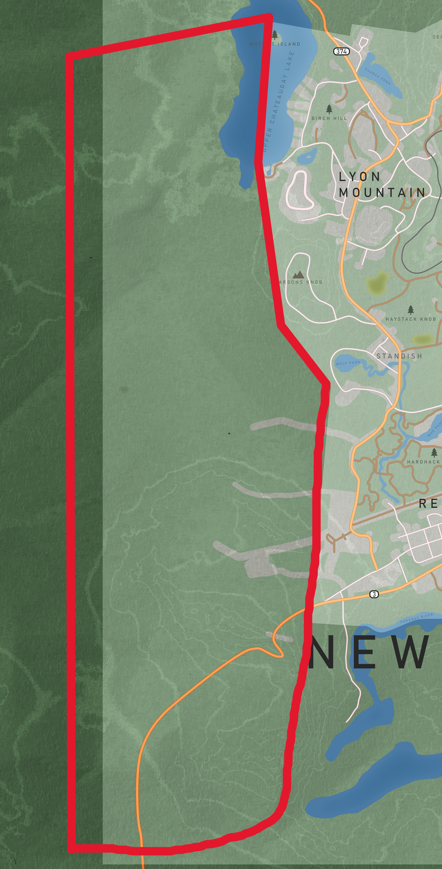
Simultaneously, the new western map expansion is being worked on bit by bit. It won't be in 0.023, but it'll probably be in for 0.024. It's still a pretty minor area but has a few points of interest inside it. It's more of a forested area as an expansion of the Chazy Highlands than a new major town, so please keep expectations in check.
We added the ability to spawn specific photos and see which photo number a photo frame corresponds to. There are over 480 as of this writing, so get collecting.
As I mentioned earlier, a lot of our item art are placeholders (I'm sure everyone is familiar with the taped box placeholder by now). I've been working on indexing these and organizing them so we can get to replacing them. We've already started replacing them; some new art will be visible in 0.023.
Studio-wise, we've been going through the hundreds of applications we've received for character artists and sending out art tests. We're also actively reviewing programmer applications this week, and are probably going to be seeking out hard-surface artists to replace some of the low-quality items we have. If you're interested in applying for any position please email jobs@ramjetstudios.com as we save everything we're sent.
That's about it for this week. See you next Wednesday!